Turn a Brief, Into a Starting Point
Conversation Starters are designed to help you get structured prompts that help digest the brief, clarify the goal, and decide what to do next.
.png)

A lot of the time, the hardest part of a brief isn’t execution, it’s direction.
Where do we actually begin?
Conversation Starters are designed for that moment. Instead of staring at a blank canvas or jumping straight into production, you get structured prompts that help you digest the brief, clarify the goal, and decide what to do next.
It’s not about generating outputs immediately, it’s about generating direction.
What it is
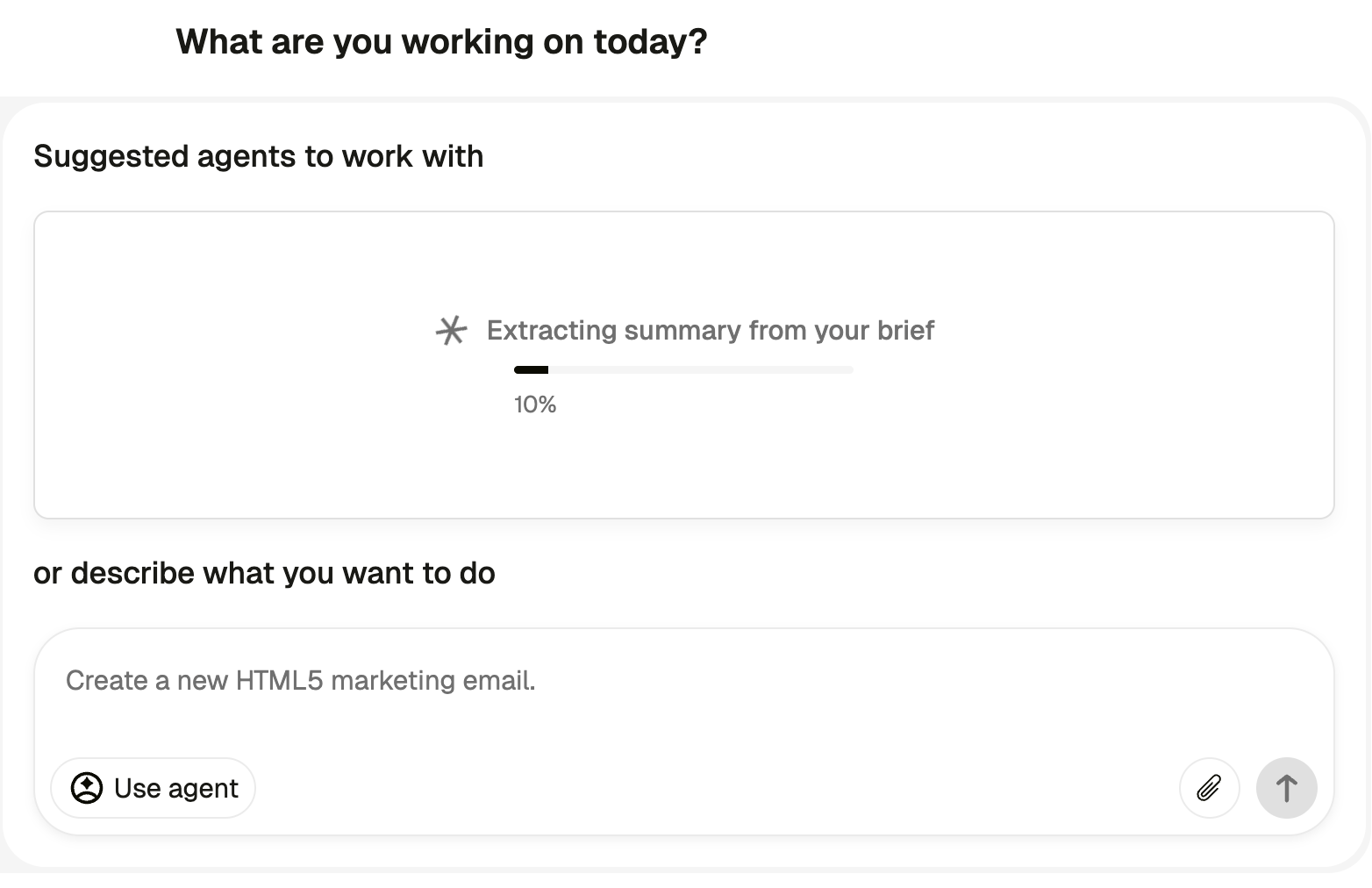
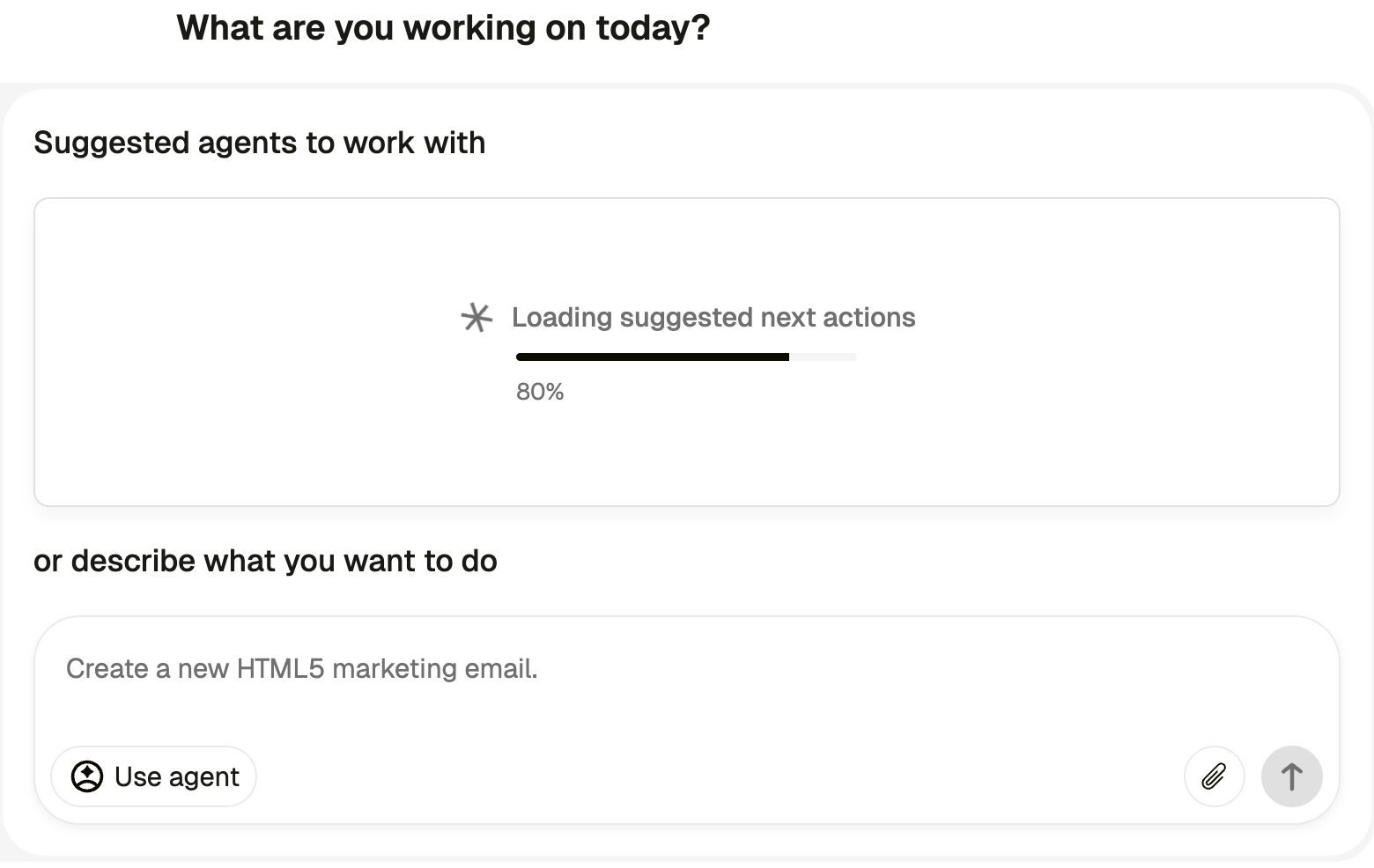
Conversation Starters live on the homepage and inside your workflow as guided entry points into creative work. They help teams move from raw input to aligned thinking before execution begins.
Rather than asking, “What should we make?”, Conversation Starters help you ask better questions:
- What is the real objective?
- Who are we speaking to?
- What tension or insight is driving this brief?
- What format makes sense?
They structure the first phase of thinking so teams don’t default to surface-level outputs.
Under the hood, they combine contextual inputs, structured prompts, and progressive guidance. The result is a clearer starting point that feeds directly into Chat, Sheets, Agents, or Workflows.
Context doesn’t get lost. It travels with you.
Why it matters
When teams jump straight into creating without aligning on objective, audience, and angle, the output might be fast, but it’s fragile. Iterations multiply. Feedback loops grow longer. Direction shifts mid-stream.
Conversation Starters reduce that friction by structuring the thinking stage.
Instead of:
Brief → Random output → Corrections → Rework
You get:
Brief → Structured direction → Aligned output → Scale
This is especially important as teams move from experimentation to architecture. When Agents and Workflows are generating at scale, the quality of the starting logic matters more than ever.
If the first step is unclear, the whole system inherits that confusion. However, Conversation Starters ensure that the process begins in the right place.
How it works
Start with the brief. Paste in either campaign notes, a product update, a landing page, or even rough thoughts.
Let the system guide the questions. Conversation Starters surface structured prompts that help define audience, objective, tone, and format before jumping to outputs.
Refine the direction. Adjust, clarify, iterate. You’re shaping intent, not assets yet.
Move into execution. Once direction is clear, continue in Chat, send into Sheets, build an Agent, or wire it into a Workflow. The context flows forward.
It’s a bridge between thinking and making.
What you can do with it on day one
Campaign Kickoffs: Turn messy notes into a structured creative angle before production begins.
Seasonal Planning: Define audience, tension, and format before generating variations.
Product Launches: Clarify positioning and message hierarchy before scaling assets.
Team Alignment: Use structured prompts to align cross-functional stakeholders before creative begins.
Conversation Starters don’t replace creative judgment, they help focus it.
Governance and Control
Conversation Starters inherit Pencil’s enterprise posture.
Brand context, knowledge sources, and workspace permissions apply as usual. Teams can guide outputs using their brand libraries and shared context, ensuring alignment from the very first step.
Admins maintain control over how context and tools are used downstream. Conversation Starters help structure thinking without bypassing existing guardrails.
The result is momentum without chaos.
The Bigger Shift
As AI-native teams mature, the differentiator is no longer speed alone, it’s clarity.
When context travels cleanly from brief to output, creativity scales without becoming generic. Structure doesn’t limit imagination, it makes it visible.
Conversation Starters formalize the part of the process that usually lives in someone’s head, and once that logic is visible, it can scale.
Better creative doesn’t start with faster tools, it starts with better beginnings.