Print-Ready Creatives, Built Where Your Digital Ones Already Live
Print Mode brings print production into the same workflow as your digital creatives. Design, adapt, and export print-ready assets without leaving Pencil.
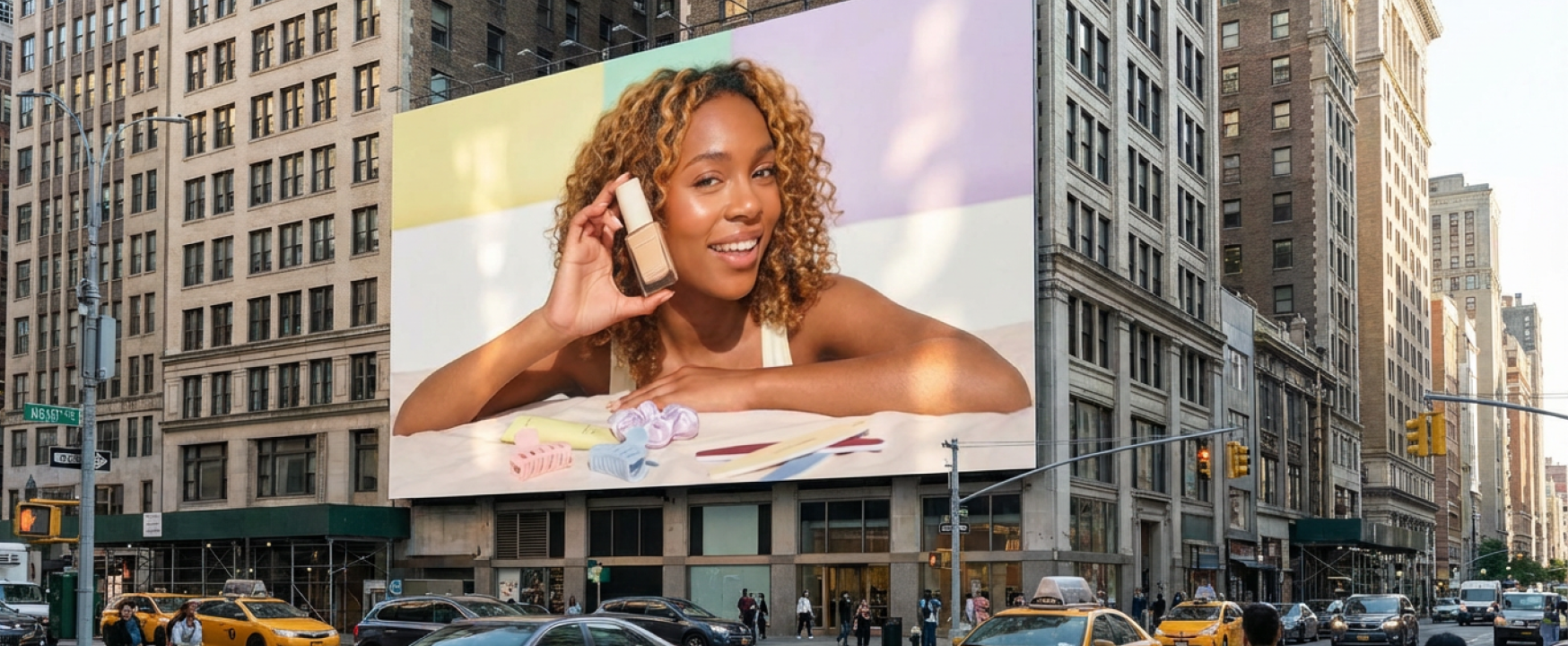

Enterprise marketing teams run campaigns across dozens of channels. Digital gets the attention, the tools, the automation. Print gets a workaround: export a flat file, open a different application, reformat, recheck, re-export. Every handoff is a chance for something to break.
That disconnect costs time, introduces errors, and fragments creative governance. If your digital and print workflows live in different tools, you are managing two systems instead of one.
Print Mode in Pencil changes that.
What Print Mode Does
Print Mode introduces a dedicated set of print production controls directly inside the Pencil editor. Toggle it on from Canvas Settings and the interface adapts: you will see bleeds, safe areas, and crop marks overlaid on your canvas, exactly as a print designer expects.
Bleeds define the area extending beyond the final trim edge, preventing unwanted white borders when the design is cut to size. The safe area marks where critical content (headlines, logos, key visuals) should stay to avoid being clipped during trimming. Crop marks indicate the precise cut lines for physical production.
All three are fully editable. Adjust them uniformly or set unique values per side, depending on the production spec you’re working to.
Print Formats with DPI Control
The format setup flow now includes a dedicated print path. Choose from pre-built sizes (A4 posters, 48-sheet billboards, and more coming) or define custom dimensions with width, height, unit, and DPI. Pre-built formats ship with industry-standard DPI defaults: 300 for an A4, 66 for a 48-sheet.
Static print creatives work up to 16,000 x 16,000 pixels. If your target size exceeds that, you can work at a proportional scale or adjust DPI to stay within bounds.
Export: PDF/X, CMYK, and ICC Profiles
At the point of export, Print Mode offers file type options built for production: PDF/X-1a, PDF/X-3, and PDF/X-4. Each serves different print scenarios, from pre-separated CMYK workflows to broader colour space support.
Colour management is handled in the export flow as well. Select CMYK or RGB, then apply an ICC colour profile from the pre-built list. For CMYK, the profiles cover standard print specifications. For RGB, sRGB profiles are included. Custom ICC profile uploads are on the roadmap.
Everything Else Still Works
Print Mode layers on top of the existing Pencil toolkit. AI image generation, the feeds workflow for multi-format adaptation, and layer-based editing all carry through. Generate an image with AI, adapt it across formats, toggle Print Mode on, and export a production-ready PDF. The entire path stays inside one workspace.
Video generation is the one exception. Since print creatives are static by definition, video tools are greyed out when Print Mode is active.
Why This Matters
For enterprise teams, this is about consolidation. Every tool you remove from the creative workflow is a handoff eliminated, a version control risk removed, and a governance gap closed. Print Mode means your team designs, adapts, and exports for digital and physical from the same place, under the same brand controls.
Print Mode is available now in Beta. Enable it from your Beta settings page and start designing.
Try Print Mode now!
.png)
.png)
.png)
